DXD+
Margin editor · eight guided points
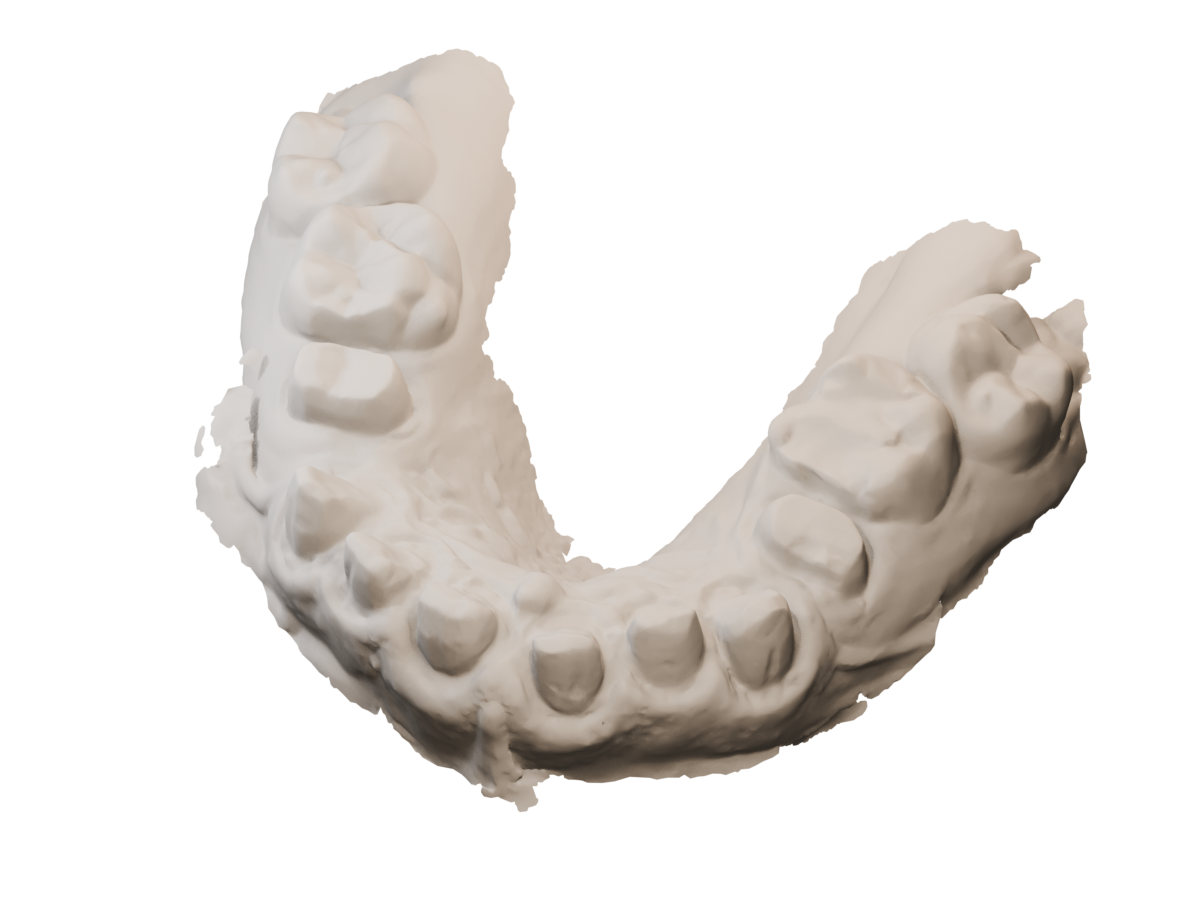
PREPARED SCAN / MARGIN EDITOR
01 / TRACEPrecision starts
Precision starts
at the boundary.
Place points on the preparation.
Discover the project as you draw.
YOUR FIRST POINT
Follow the surface.
Click the finish line, or choose Next guide point below the scan. Eight points close the outline and reveal the red surface mask.
A small window into a larger system.
This interactive experience uses simplified versions of DXD+’s surface-navigation, region-masking and mesh-editing algorithms. Trace a margin on a prepared dental scan, reveal the enclosed surface mask, then explore tooth sculpting as a side experience.