Controller tooling
Transition-map editor, state inspectors and movement modules make behaviors configurable in the Unity Editor.
UNIREXCITY / ENGINEERING AN ECOSYSTEM
Character states, shared packages, and the pipelines that bring them together.
Unity architecture, technical leadership, shared tooling, automated testing, and delivery pipelines.
Drive a character-state playground, run a pipeline, and trace the shared packages.
02 FROM SOURCE TO DELIVERY
Inspect the build, follow its artifacts, and see how application and content reach their destinations.
speed 2.5 · jump 5.3 · jump enabledReadyChoose a job to inspect its inputs, outputs and dependencies.
03 SHARED FOUNDATIONS
Select a package to trace where it is used. Then explore what each project adds around those shared foundations.
Connections from the inspected Unity package manifests. City’s controller is shared architecture, rather than a package connection shown here.
AROUND THE CORE SYSTEMS
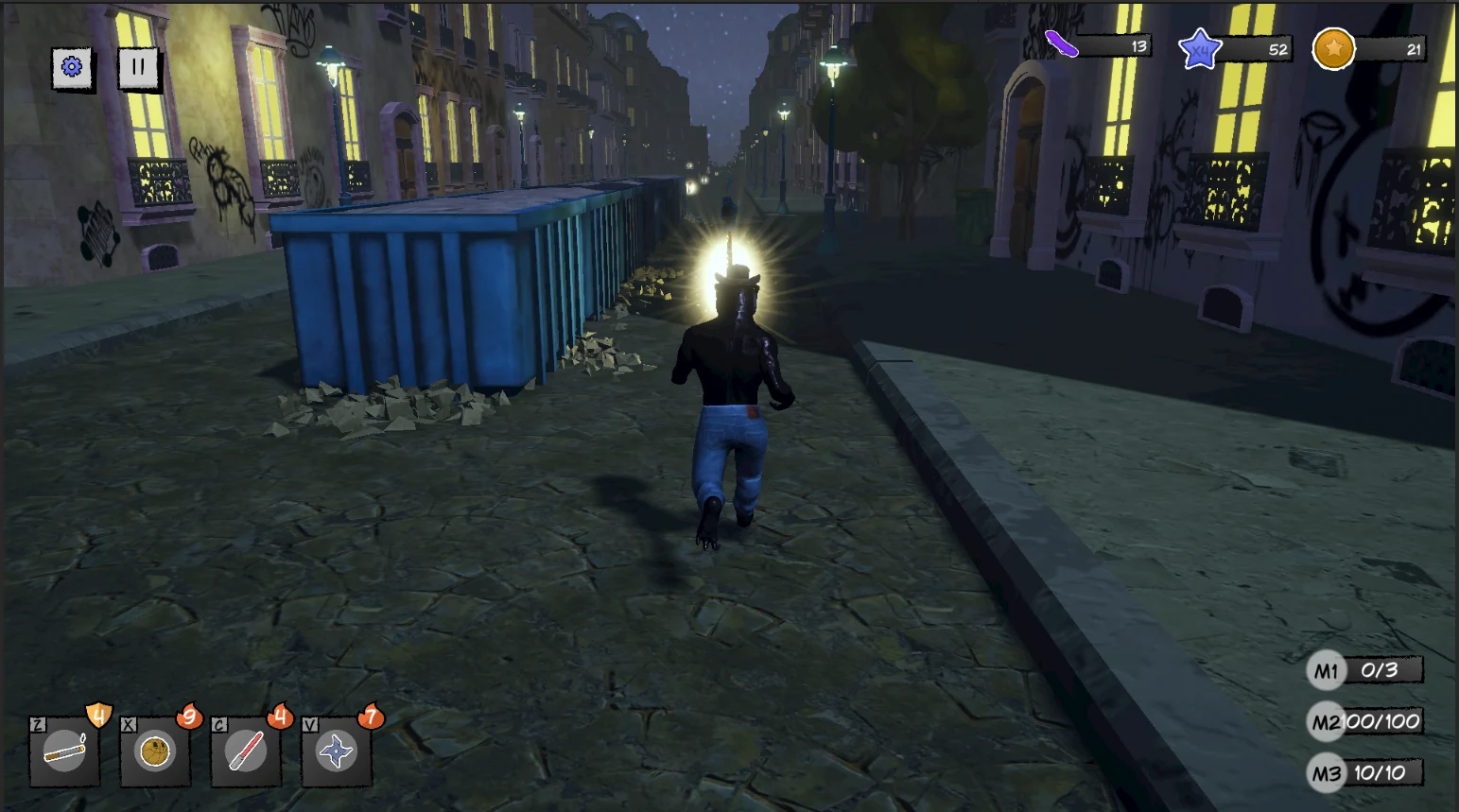
A game assembled from shared systems, with its own movement rules, content and progression. The same state contract supports specialized runner behavior.
BEHIND THE EXPERIENCE
Transition-map editor, state inspectors and movement modules make behaviors configurable in the Unity Editor.
Rig remapping, clothing templates, hidden-face removal, prefab generation and asset validation support repeatable character preparation.
Custom shaders, stable animated decals, texture packing and GPU texture composition support tattoos, scars and clothing designs.
GitLab CI definitions, Unity build scripts, artifacts, cache setup, environment-specific jobs and separate Addressables delivery connect development to releases.
About this experience. A Three.js adaptation of selected systems from the original Unity projects. Movement, collisions and transitions use simplified browser algorithms. Pipeline playback is a simulation based on the archived GitLab configurations. It does not run Unity builds or publish changes to the original projects.
The inspected configurations include test templates; this page does not present them as verified active release gates. Package connections reflect the inspected manifests. The demo uses Mixamo’s X Bot and animation clips from the Three.js examples, with adapted jump and crouch poses. The character illustrates the controller and is not an Unirexcity asset. Character credit: Adobe Mixamo ↗
Have a similarly specialized problem?