Selected classes and relationships from the original toolkit, with key members abbreviated for readability. The browser experiences use simplified algorithms; this diagram describes the C# project.
THEORY TEAM / POLYMORPHIC GRID
The connection is the interesting part.
Polymorphic Grid gives different tile shapes a common language: nodes, neighbors and traversal. The editor builds the world. The runtime finds a way through it. These two games show where that foundation can lead.
Polymorphic Grid presents one toolkit across square, hexagonal and triangular tiles, so gameplay code targets nodes and neighbours instead of a tile shape.The published demo walkthrough: painting a grid in the scene view, then watching path finding and agents run on it.
ORIGINAL GAME / GROOVY DEATH
CHASE / DANCE / REPEAT
Groovy Death
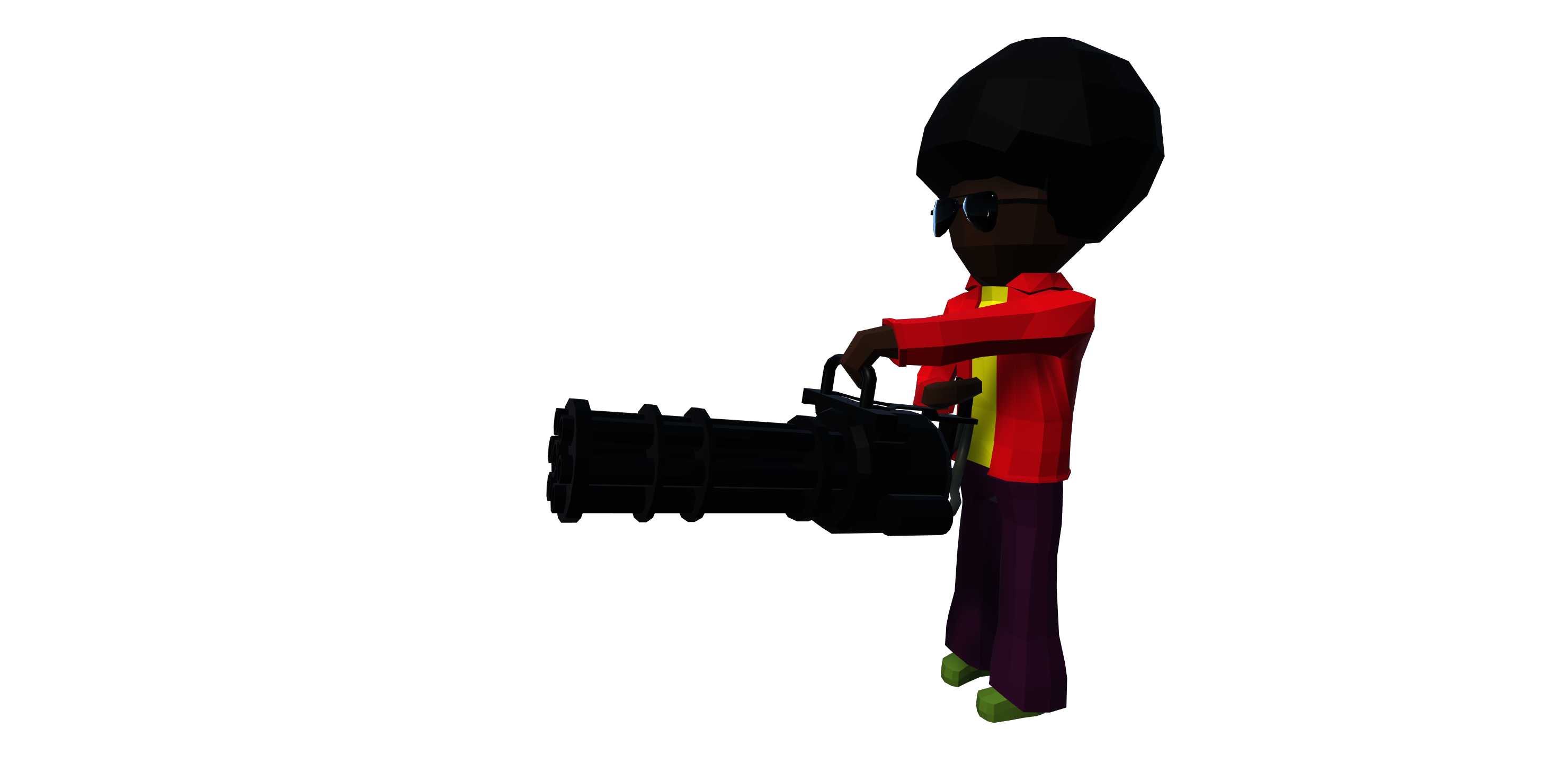
A crowd finds its way through a procedural arena. Then the music changes, the floor lights up, and even the enemies start dancing.
Groovy Death Beta, published on itch.io. Four arenas from the shipped build.
The published gameplay capture. Shot in portrait because the game shipped on Google Play: hopping the lanes, dodging traffic and collecting as the score climbs.
WHAT THE ORIGINAL PROJECTS INCLUDE
Small pieces. A lot of possibilities.
The playground introduces the ideas as you interact. Here is the broader toolkit and the work built around it.
01The toolkit
Grids beyond squares
Built-in square, hexagonal and triangular grids. GridMaster defines a shared API; GenericGrid and NonSymmetricalGenericGrid support custom cell shapes, including alternating orientation.
Nodes and spatial queries
World/local positions, node radius, walkability, indexed access and neighbor queries. Square grids use direct index conversion; generic layouts use a two-dimensional search tree.
Traversal as a reusable tool
Generic breadth-first, iterative depth-first and recursive depth-first traversal. Acceptance conditions, callbacks, parent tracking, parent priority and breadth-first depth limits.
Routes and shared path trees
A* point-to-point routes and breadth-first all-path traversal. Requests, responses, callback delivery, worker threads, reusable finders and search-data pools support runtime pathfinding.
An editor workflow
Generate, clear, save and load grids. Scene visualization and walkability painting, grouped node materials, editor preferences, collision-based Area Wizard and Grid Validator.
Data and extensibility
SerializableGrid and SerializableNode store layouts in ScriptableObjects. Separate runtime/editor libraries, heap-based priority queues and binary search structures support the toolkit.
02Groovy Death
A connected arena
Seeded obstacle generation checks that every open cell remains reachable. GridVisualizer builds the floor and obstacles from the grid.
A crowd that finds you
Repeated player-rooted path requests let multiple enemies follow the same parent tree. Spawning uses walkable nodes, traversal depth, population limits and increasing difficulty.
A dance break
Timed dance waves pause pursuit and spawning, switch animation and music states, and propagate floor color changes through BFS.
A game that reacts to music
128-sample FFT analysis, thresholds, beat timing, scale and color synchronizers. The original also includes dual-stick movement/aiming, minigun energy, grenades, health, score, ragdolls and particles.
03The Orange Runaway
Movement between worlds
Four-direction grid movement, swipe input, timed jumps, rotation and landing effects. Ground-height queries and moving placeable grids keep characters attached to their surroundings.
A world assembled from rules
Recycled blocks, weighted land selection and predecessor/successor rules. Simple, arranged, full-row, border, explicit and sequence obstacles combine with accessories.
More than a road crossing
Traffic, trains, rivers, floating logs, bridges and environmental obstacles. Police use grid paths; ranged cops, SWAT and helicopter controllers add pursuit behaviors.
The rest of the game
Coins, score, difficulty progression, character skins and a store. Scriptable tween effects, audio, Cinemachine camera extensions, pause/game-over UI and Unity Ads integrations are present in the original project.
THE TECHNOLOGY
From C# to a playable idea.
The original foundation
C#
Unity 2020.3
ScriptableObjects
Unity Editor
A reusable runtime library with a separate editor layer, custom inspectors, UXML / USS interfaces and scene tools.
Graphs and runtime systems
A*
BFS / DFS
Priority queue
Worker threads
Data pools
Shared neighbor contracts support spatial lookup, traversal, route requests, connectivity checks and enemy navigation.
The games
Animator
Rigidbody / Physics
Audio FFT
URP / post-processing
Cinemachine
Unity Ads
Animation, collisions, procedural worlds, reactive visuals and mobile controls combine around the grid. Integrations vary by game.
This playable recreation
TypeScript
React
Three.js
Web Audio
glTF
Small graph and game simulations, original character assets, a generated synth beat, and live renderer inspection. Everything runs locally in the browser.
Polymorphic Grid is one of my open-source projects, and the only one with a dedicated experience in this portfolio. I also share the Unity tools below through Theory Team Packages, covering asset preparation, interfaces, animation and the systems behind them.
A Unity toolkit that gives square, hexagonal and triangular grids a shared API for nodes, neighbors, traversal and pathfinding, with editor tools for building and saving layouts.
Why it matters
Separates game logic from tile geometry, so generation and navigation systems can be reused across different worlds. Groovy Death and The Orange Runaway put that foundation into practice.
Unity editor tools for building textures from individual color channels, applying material presets and extracting model materials. Included presets support Standard and HDRP texture workflows.
Why it matters
Makes repetitive asset preparation repeatable: pack the channels a shader expects and apply consistent material rules across collections of assets.
A reusable Unity UI toolkit for panel groups, temporary panels, fades, tooltips, hover feedback and displaying data. It uses Theory Tween for transitions and shared data-provider interfaces for content.
Why it matters
Brings navigation, feedback and data display into a common structure, reducing the custom setup needed for each screen and keeping UI behavior consistent.
An extensible framework for custom tween effects, separating reusable ScriptableObject definitions from runtime playback. A shared task manager supports Update, LateUpdate, FixedUpdate and scaled or unscaled time.
Why it matters
Lets effects share a timing and playback system instead of rebuilding it per component. Unscaled timing can keep interface effects running while game time is paused.
A modular inverse-kinematics toolkit with chain solvers, root controls, rotation constraints, pose anchors and finger controls. An orchestrator and editor presets organize complete setups.
Why it matters
Helps rigs respond to targets in the scene. Its runtime is independent of Unity’s humanoid APIs, making the same modules useful for characters, creatures, props and mechanisms.
Common Unity helpers for geometry and math, weighted random selection, object pooling, collision and trigger events, optional callbacks and inspector-friendly interface references.
Why it matters
Keeps frequently reused building blocks in one place. For example, pooling reuses existing objects, while geometry helpers and editor drawers reduce repeated setup across projects.
 ORIGINAL GAME / GROOVY DEATH